The 'AI-Generated' Aesthetic: Why AI-Created Sites All Look the Same (And How to Avoid It)
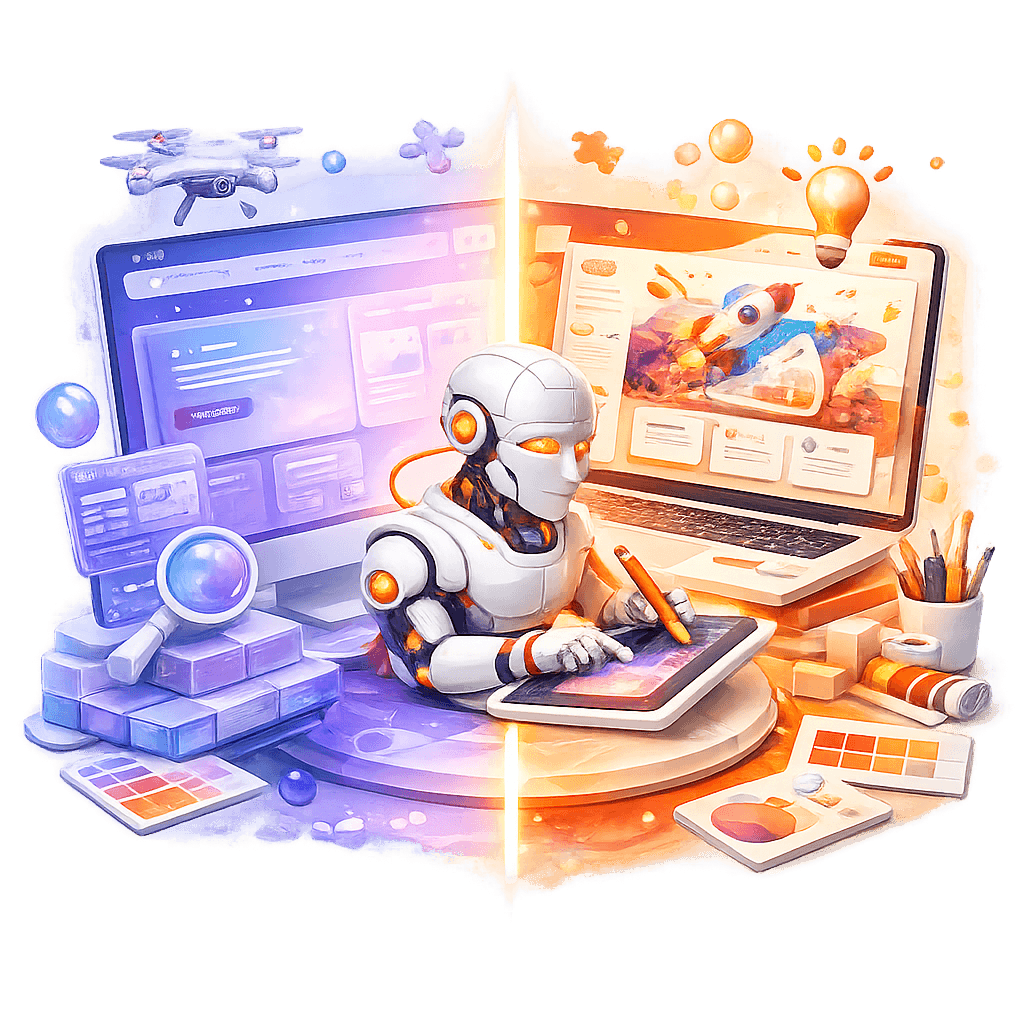
Reading time: 8 minutes
If you've recently asked an AI to create a website for you, you've probably gotten something that looks oddly like... every other AI-created site. Purple-blue gradient, glassmorphism, perfectly regular spacing, and that je-ne-sais-quoi that screams "automatically generated".
But here's where it gets interesting: give that same AI a screenshot of an existing design, and suddenly, the result changes completely. More unique, more human, more... design.
I've spent the last few months analyzing this phenomenon, and what I found changes completely how we should use AI for web design.
The Problem: Aesthetic Uniformization
The AI Site "Starter Pack"
You've seen them. Those sites that all share the same visual DNA:
Colors
- Violet → blue gradients (or pink → orange variant)
- Ultra-saturated palette from Tailwind or Material Design
- Deep black (#0f0f0f) and pure white, rarely nuances
Effects
- Glassmorphism everywhere
- Blur backdrop-filter on every card
- Soft and predictable box-shadows
- Subtle borders in rgba(255,255,255,0.1)
Layout
- Centered Hero section with purple CTA
- "Features" section in 3-column grid
- Perfectly aligned Cards
- Ultra-regular spacing (multiples of 8px religiously respected)
Typography
- Inter or Poppins (90% of cases)
- Weights: 400, 600, 700
- Line-height exactly 1.5
- Minimal letter-spacing
It's not bad design per se. It's just... predictable. Generic. Soulless.
Why This Uniformity?
The answer lies in three words: optimization for the average.
When you ask an AI to create a website without reference, here's what happens behind the scenes:
- Pattern matching: The AI scans its training data to identify the most frequent patterns
- Safe choices: It prioritizes choices that "work" statistically (blue = trust, purple = innovation)
- Risk avoidance: Without creative constraints, it takes no aesthetic risks
The result? A design that is the weighted average of millions of websites. Technically correct, but creatively dead.
The Experiment: Two Approaches, Two Results
Test 1: The Generic Request
Prompt: "Create a modern website for a SaaS startup"
Result obtained:
- Purple-blue gradient background
- Hero section with "Transform Your Business" (or variant)
- Three feature cards with glassmorphism icons
- CTA button in purple with hover effect
- Minimalist footer
Creation time: 30 seconds Originality: 0/10 Usability: 7/10
Test 2: With Visual Reference
Prompt: "Here is a screenshot of a design I like [image of a site with terracotta/beige palette, asymmetric layout, serif typo]. Reproduce this style."
Result obtained:
- Warm palette preserved
- Asymmetric layout respected
- Serif typography maintained
- Unique visual details kept
- Personnel of original design intact
Creation time: 45 seconds Originality: 8/10 Fidelity to reference: 9/10
The Key Difference: Constraints
Without constraints, AI generates. With constraints, AI implements.
And that is all the difference between a generic template and a unique design.
Why It Works: The Psychology of Generative AI
The "Generation" Mode
When AI operates in pure generation mode:
- It relies on probabilities from its data
- It favors "safe" combinations
- It avoids choices that might be poorly received
- It optimizes for consistency rather than originality
It's like asking someone to "draw a house" without further instruction. You'll get a square with a triangle on top (the roof), two windows, and a door. Technically a house, but not architecturally interesting.
The "Implementation" Mode
With a visual reference, AI switches modes:
- It analyzes concrete constraints (precise hex colors)
- It identifies specific patterns (custom spacing)
- It preserves creative choices (intentional asymmetries)
- It reproduces rather than invents
Human details are preserved: that slight asymmetry in the layout, that bold palette choice, that counter-intuitive but effective visual hierarchy.
Implications for Design
What It Means for Designers
Good news: AI does not (yet) replace human creativity
The creative process remains deeply human:
- Ideation
- Bold aesthetic choices
- Balance between trend and timelessness
- Understanding brand psychology
Bad news: Pure implementation becomes commoditized
If your added value is solely translating a mockup into HTML/CSS code, your position becomes fragile. AI already excels at this task.
What It Means for Developers
The new workflow:
- Designer (human) creates mockup or visual direction
- Detailed brief or visual reference communicated to AI
- AI generates implementation code
- Developer refines, optimizes, and integrates
The developer becomes supervisor and optimizer rather than pure implementer.
What It Means for Companies
The trap to avoid: Asking AI to "do the design"
Guaranteed result: a site that looks like all the others. In a saturated market, visual uniformity is a competitive disadvantage.
The right approach: Invest in creative direction
- Hire/consult a real designer for the creative phase
- Create mockups or a design system
- Use AI to accelerate implementation
- Keep the human in the loop for creative QA
Practical Guide: How to Use AI Effectively for Design
Strategy 1: Always Start from a Reference
Never do:
"Create a website for my business"
Do instead:
"Here are 3 screenshots of sites I like [images].
Create a site that converts the asymmetric layout of the first,
the color palette of the second, and the typography of the third."
Strategy 2: Ultra-Detailed Briefs
If you don't have a visual reference, compensate with precise constraints:
Generic brief (bad):
"A modern and professional site"
Detailed brief (good):
"Style: Modern Brutalism Palette: #E07A5F, #3D405B, #F2CC8F, #81B29A Typo: Space Grotesk for titles, IBM Plex Mono for body Layout: Asymetric, intentionally misaligned grid Mood: Raw, authentic, anti-corporate References: brutalistwebsites.com, swissdesignawards.ch"
Strategy 3: Guided Iteration
Use AI as a collaborator, not an autonomous creator:
- Initial prompt with clear constraints
- Evaluation of first result
- Precise feedback: "Spacing is too regular, add variation"
- Iteration until satisfaction
- Manual polishing for fine details
Strategy 4: Create Your Own Design System
Develop a design system that captures your brand identity:
- Precise color palette (hex codes)
- Typographies with their usages
- Spacing rules (which can be irregular!)
- UI components with their variants
- Tone and atmosphere guidelines
Then, reference this design system in your prompts to the AI.
Current (And Future) Limits of AI
What AI Cannot Do (Yet)
Understand brand context
- AI doesn't know your legal startup needs to inspire trust
- It doesn't understand your fashion brand needs to be disruptive
- It doesn't perceive cultural nuances of your audience
Take calculated creative risks
- AI won't spontaneously propose brutalisme for a corporate site
- It won't dare a monochrome palette for a children's toy site
- It won't suggest deliberately breaking the grid
Create a visual identity from scratch
- AI combines, it doesn't create (in the creative sense)
- It lacks the "spark" that makes a design iconic
- It has no intuition on what will be trendy in 6 months
Probable Evolution
Short term (6-12 months):
- Better understanding of text briefs
- Ability to analyze and reproduce design systems
- Native integration with Figma/design tools
Medium term (1-3 years):
- Generation of bolder creative variations
- Understanding of brand context via RAG
- Automatic adaptation to current trends
Long term (3-5 years+):
- AI capable of proposing original creative directions
- More fluid designer-AI collaboration
- But creative strategy will remain human
Concrete Examples: Before/After
Case 1: Fashion E-commerce Site
Classic AI Approach:
- Purple-blue gradient
- Product cards in perfect grid
- "Shop Now" button purple
- ➜ Looks like every default Shopify site
With creative direction:
- Black & white palette with blood red accents
- Irregular bento-box layout
- Condensed bold typo
- Editorial/magazine mood
- ➜ Stands out instantly
Case 2: Developer Portfolio
Classic AI Approach:
- Dark background with subtle gradient
- Centered vertical timeline
- Project cards with hover effects
- ➜ Portfolio #8374 identical to others
With creative direction:
- Inspired by 90s terminals
- Monospace typo, green/black palette
- ASCII art animations
- CLI-style navigation
- ➜ Strong personality, memorable
Advice According to Your Profile
For Designers
✅ To do:
- Use AI to rapidly prototype your ideas
- Create first in Figma, then let AI implement
- Keep control over creative direction
- Use AI for A/B variations
❌ To avoid:
- Delegating the creative phase to AI
- Accepting the first result without iteration
- Ignoring the acceleration opportunity AI offers
For Developers
✅ To do:
- Learn to write precise prompts for design
- Create reusable design systems
- Use AI for boilerplate, focus on optimization
- Collaborate closely with designers
❌ To avoid:
- Thinking AI replaces the need for CSS skills
- Copy-pasting AI code without understanding it
- Neglecting performance and accessibility
For Entrepreneurs/Product Owners
✅ To do:
- Invest in at least a few hours of design consulting
- Create moodboards and references before touching AI
- Ask for iterations until you have something unique
- Test with real users
❌ To avoid:
- Thinking AI = free quality design
- Launching a site that looks like all the others
- Neglecting your brand identity
The Future of Web Design
The New Paradigm
We are entering an era where:
Technique is commoditized
- Anyone can have a technically correct site
- HTML/CSS code becomes a commodity
- Basic accessibility and performance are guaranteed
Creativity becomes the differentiator
- Visual originality is worth more than ever
- Strong brand identity is crucial
- Creative details make the difference
The workflow transforms
- Design: 80% human, 20% IA (variant generation)
- Implementation: 20% human, 80% AI
- QA: 50/50 (AI for bugs, human for creativity)
Skills That Matter
In 2024-2025, designers who succeed:
- Have a strong visual signature
- Know how to use AI as a tool, not a crutch
- Understand brand psychology
- Dare to take creative risks
Developers who thrive:
- Master architecture and performance
- Know how to write precise prompts
- Understand design principles
- Focus on user experience
Conclusion: Human Creativity + AI Execution
The observation that triggered this article is simple: AI-created sites look alike because we let AI create instead of just execute.
The solution is not to reject AI, but to redefine its role:
- AI is an execution tool, not a creation tool
- The designer remains the creative director
- Constraints are essential to obtain originality
The future of web design is not:
- ❌ Designers vs AI
- ❌ All AI or nothing AI
The future of web design is:
- ✅ Human creativity + AI execution
- ✅ Human vision + machine speed
- ✅ Creative intuition + implementation capacity
The next time you ask an AI to create a website, ask yourself: are you asking it to create or to execute your vision?
The difference between these two approaches is the difference between a site that blends into the mass and a site that stands out.
Key Takeaways:
- AI sites look alike because they optimize for the average
- With a visual reference, AI preserves your unique creativity
- Never delegate the creative phase to AI
- Use precise constraints or visual references
- AI excels at executing a vision, not creating one
- Human design + AI implementation = the best of both worlds
Next Steps:
- Create a moodboard of sites you like
- Define your precise color palette (hex codes)
- Choose your typographies with intention
- Use AI with clear constraints
- Iterate until you have something unique
The era of generic sites is over. Make way for human creativity augmented by AI.